Pick a number, start the quiz
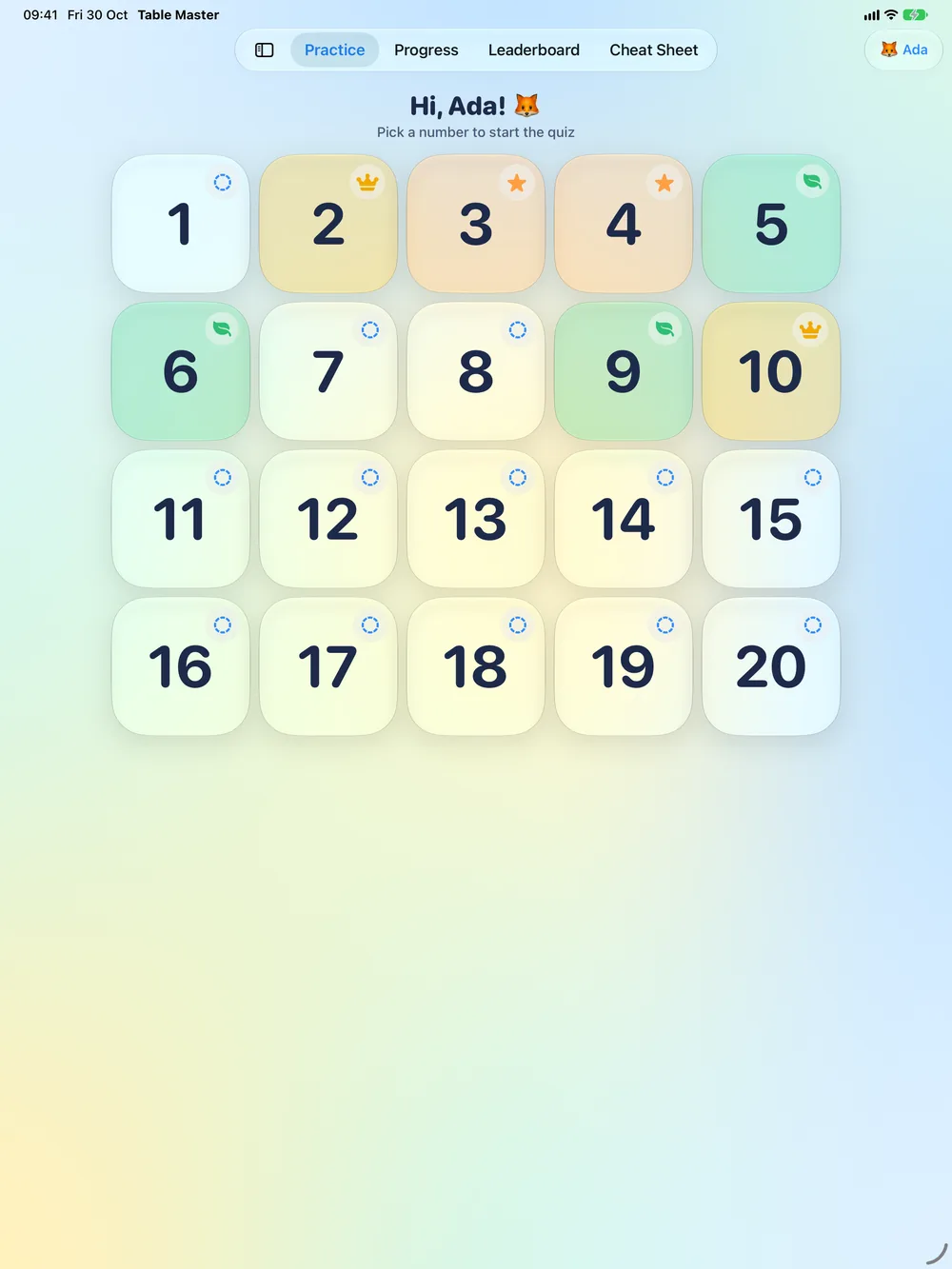
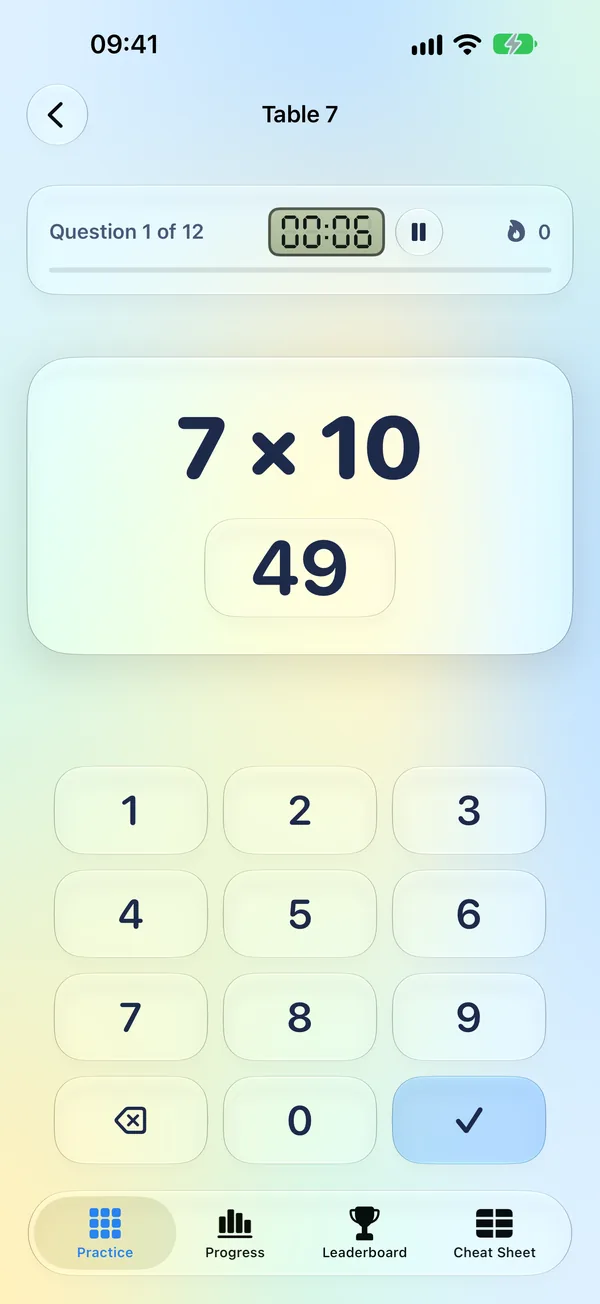
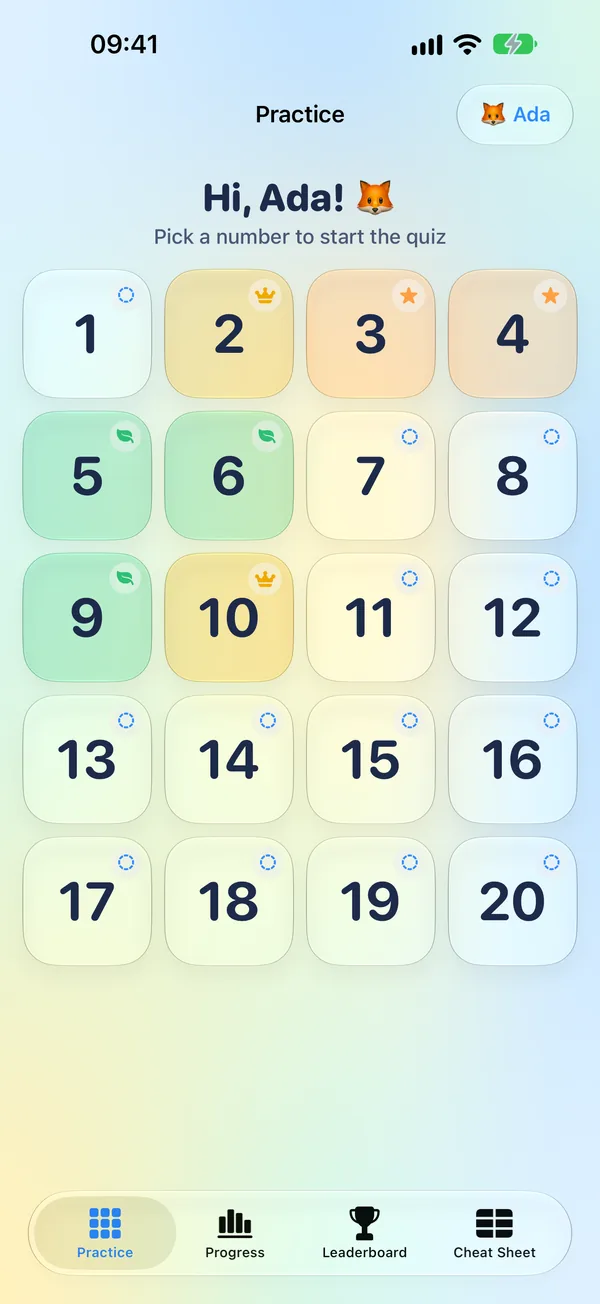
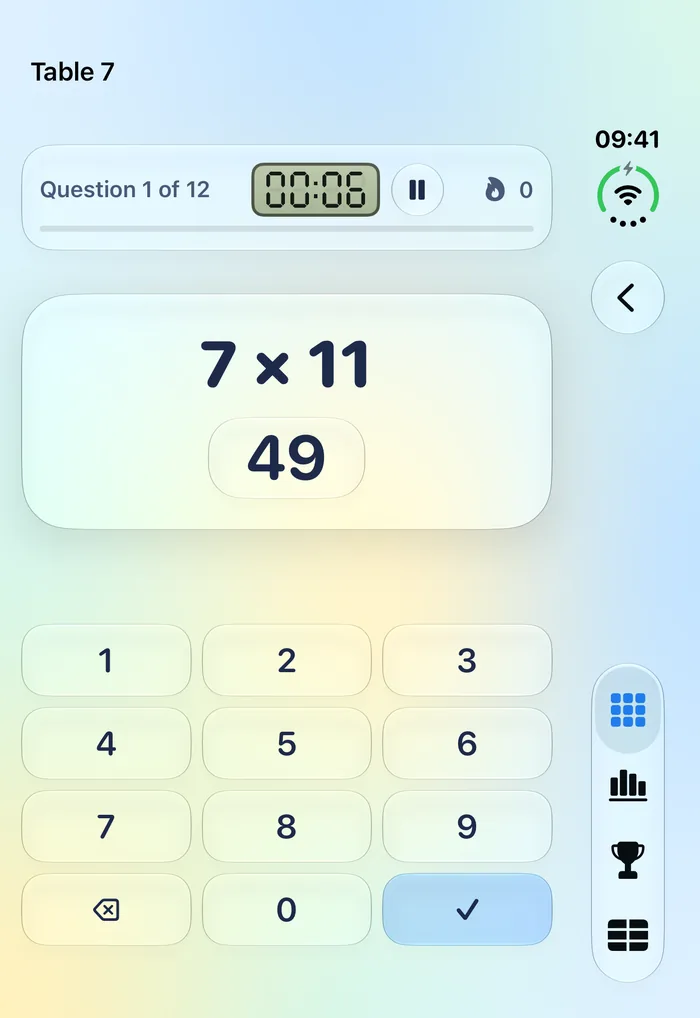
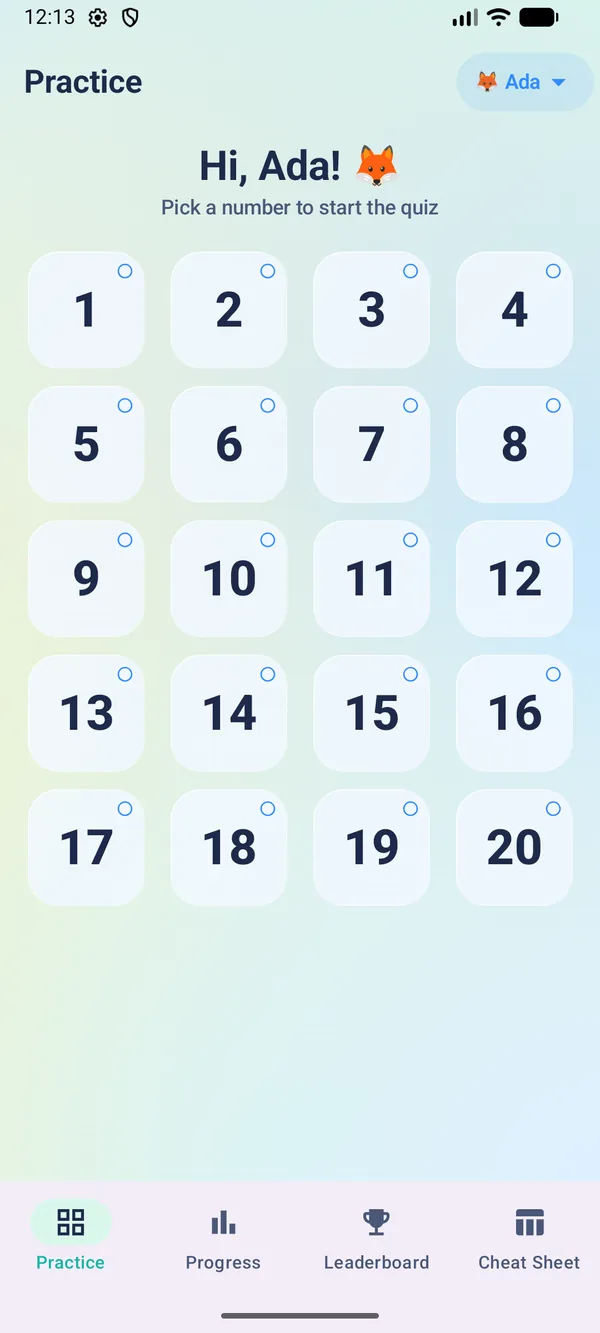
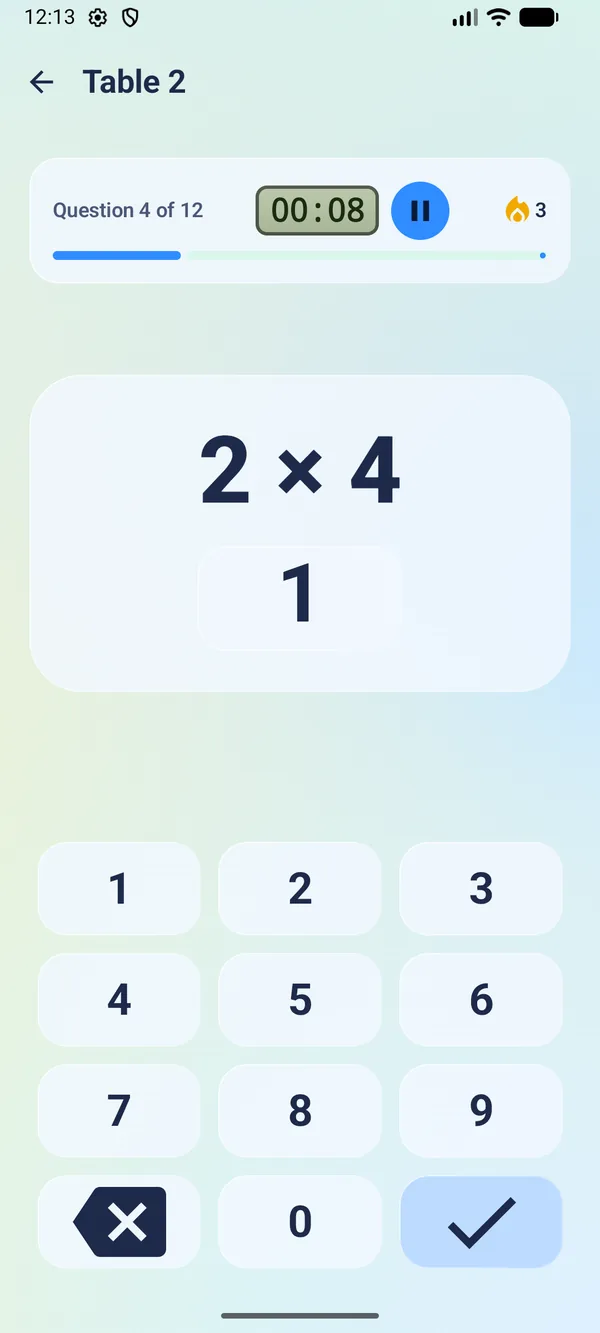
A glass tile for every table. Tap one and twelve questions follow, with a big friendly equation and a number pad made for small thumbs.
 Times tables, the friendly way
Table Master turns practice into a game children want to play. Tap a number, answer twelve quick questions and climb from Novice to Master – on iPhone, iPad, Mac and Android.
A quiz takes about two minutes. Mastery builds one table at a time.
A glass tile for every table. Tap one and twelve questions follow, with a big friendly equation and a number pad made for small thumbs.
Every table moves from Novice to Apprentice to Expert to Master, based on accuracy and speed.
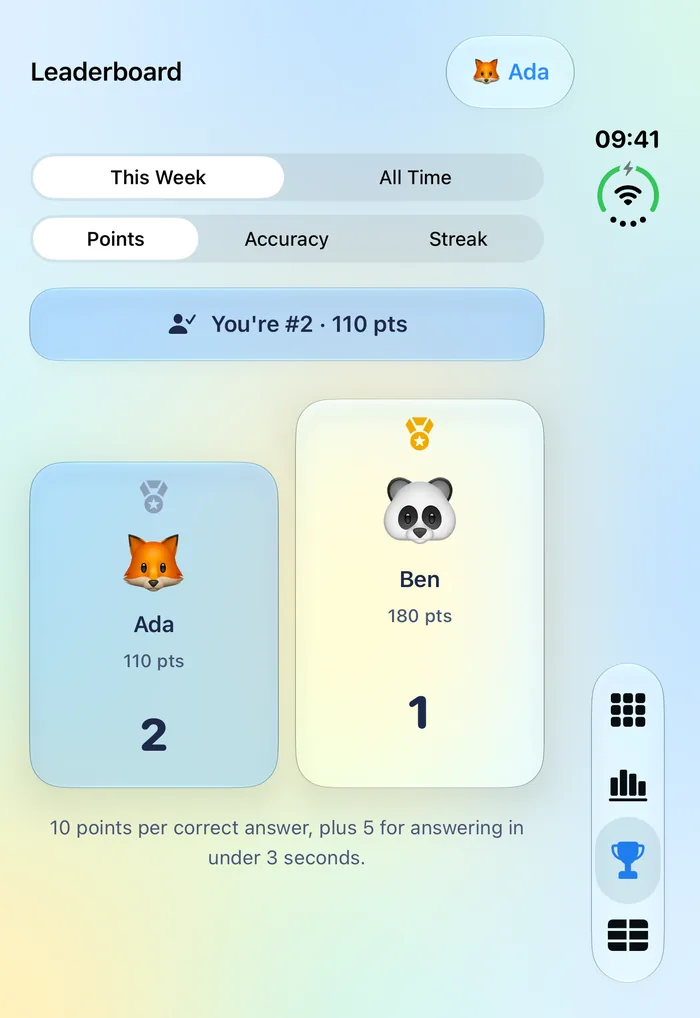
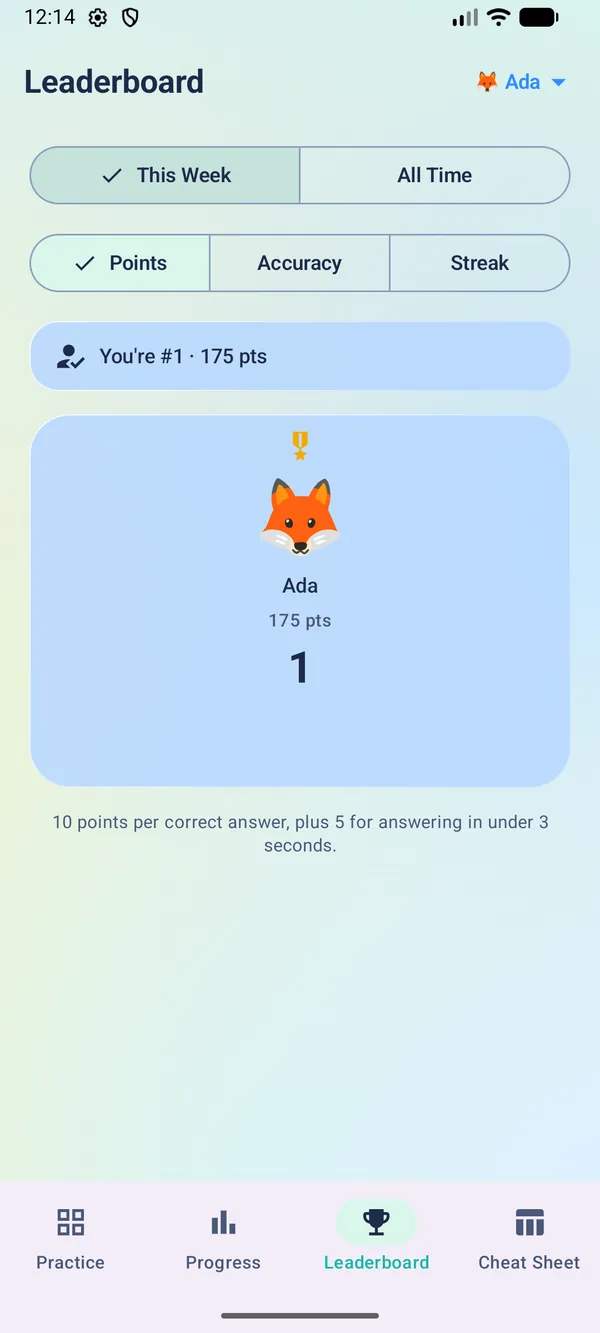
A seven-segment timer, a streak counter and points for fast, correct answers – 10 per answer, plus 5 for answering in under 3 seconds.
Siblings can compete this week or all time by points, accuracy or streak, right on the device.
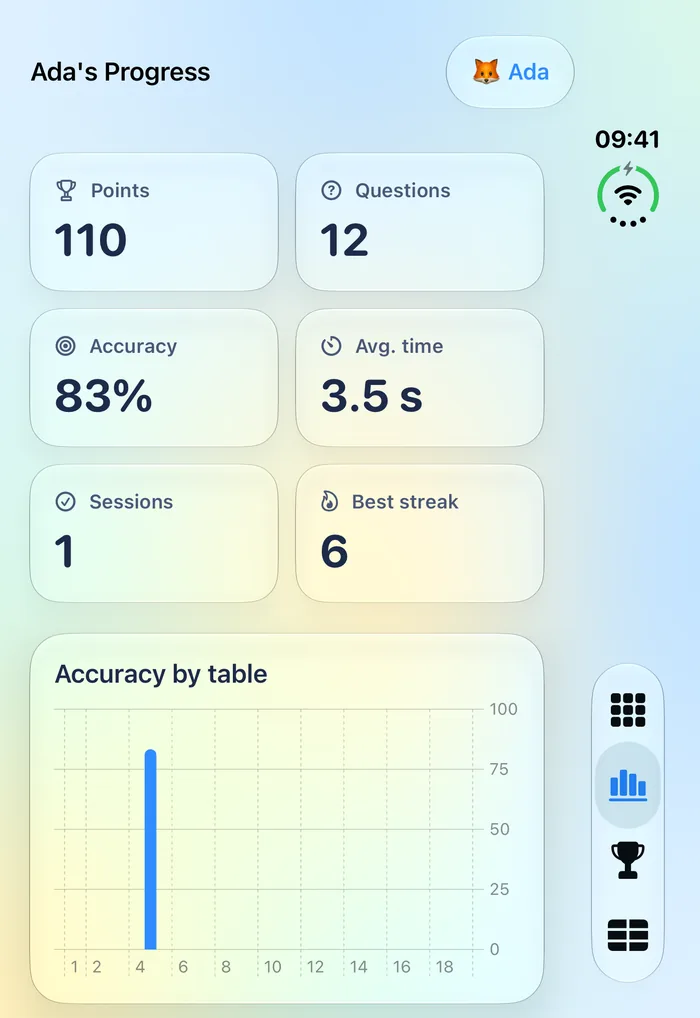
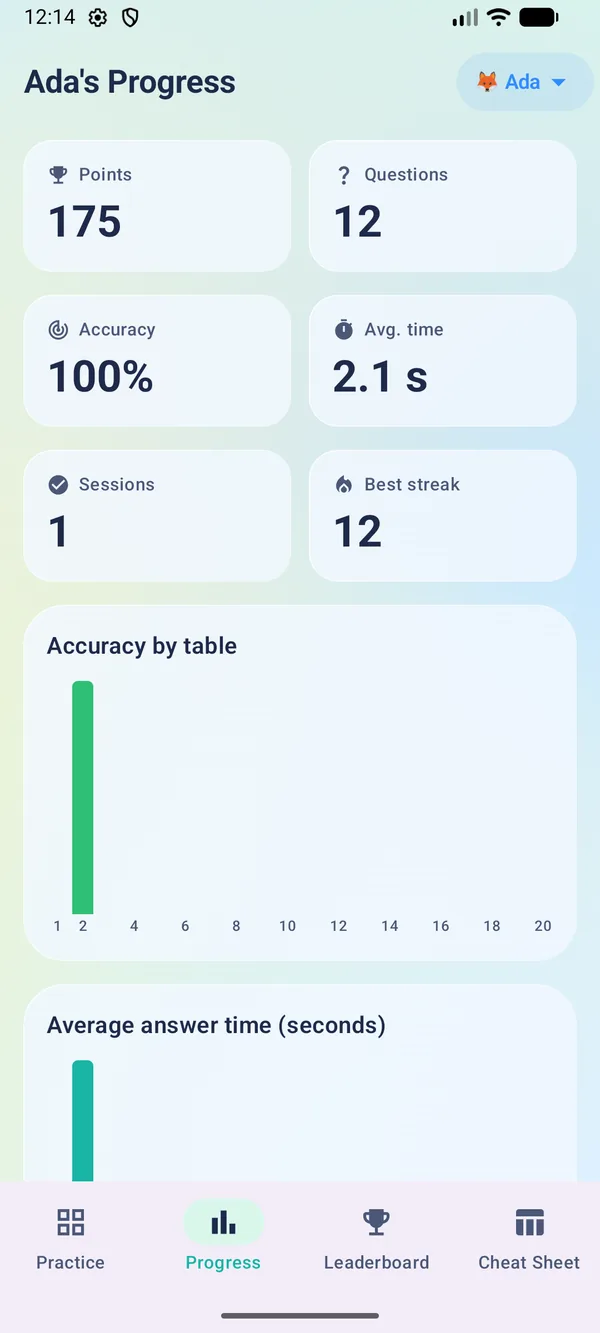
See accuracy by table, average answer time and where to practise next. Opens with Face ID, Touch ID or passcode on Apple devices, and fingerprint, face or screen lock on Android.
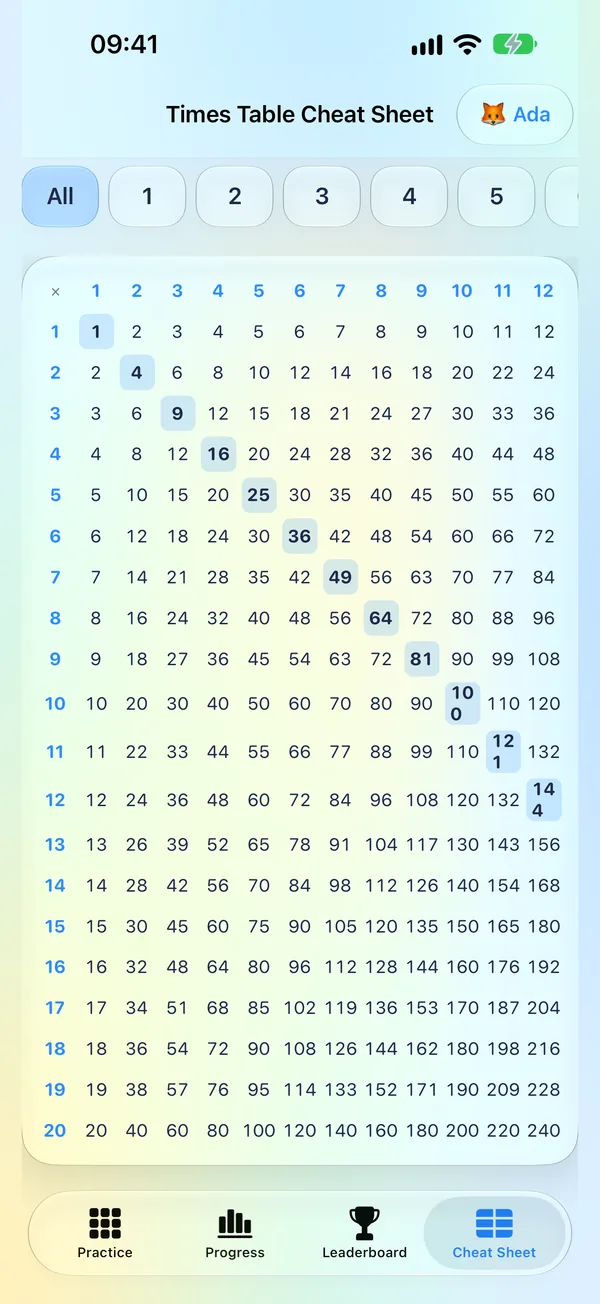
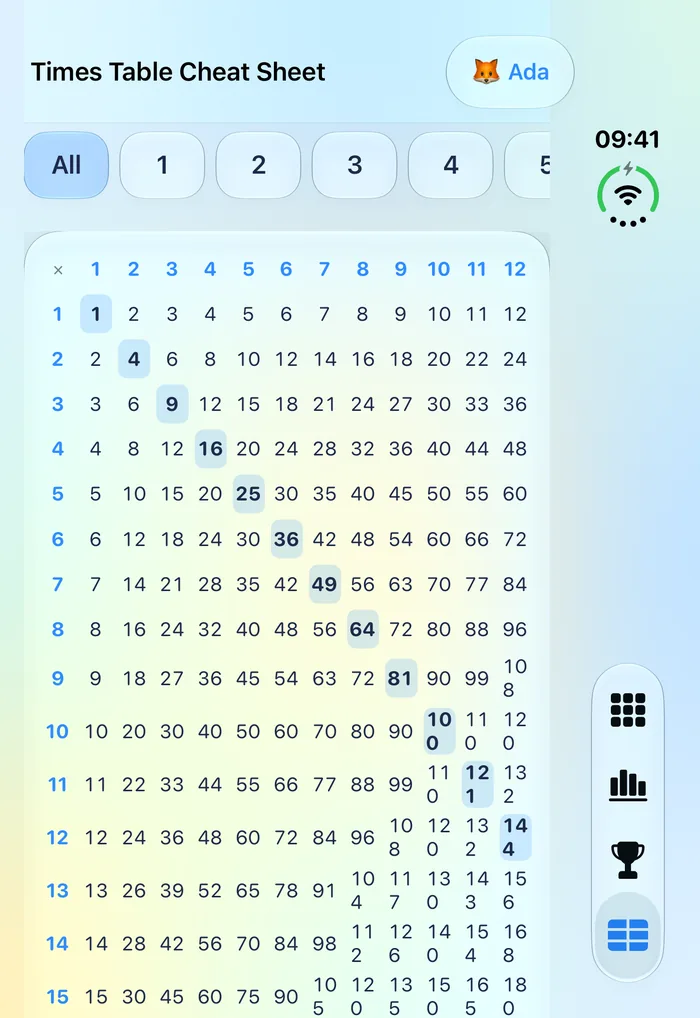
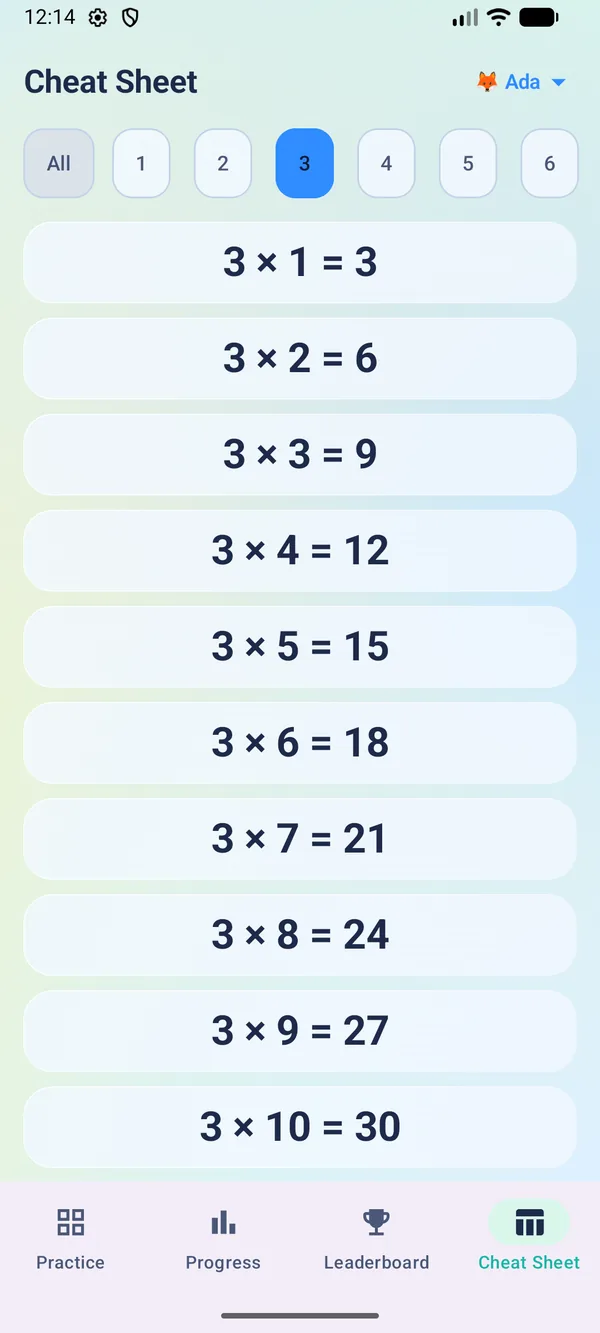
The full multiplication grid in one place, with the square numbers highlighted.
On Apple devices, progress follows each learner from iPad to iPhone through your own private iCloud. On Android, progress stays on the device and comes with you when you restore a backup.
Large rounded numbers, a satisfying keypad and a gentle pace make each session feel like play.
Each learner has their own profile, avatar and optional PIN. The Progress tab shows accuracy and speed at a glance.
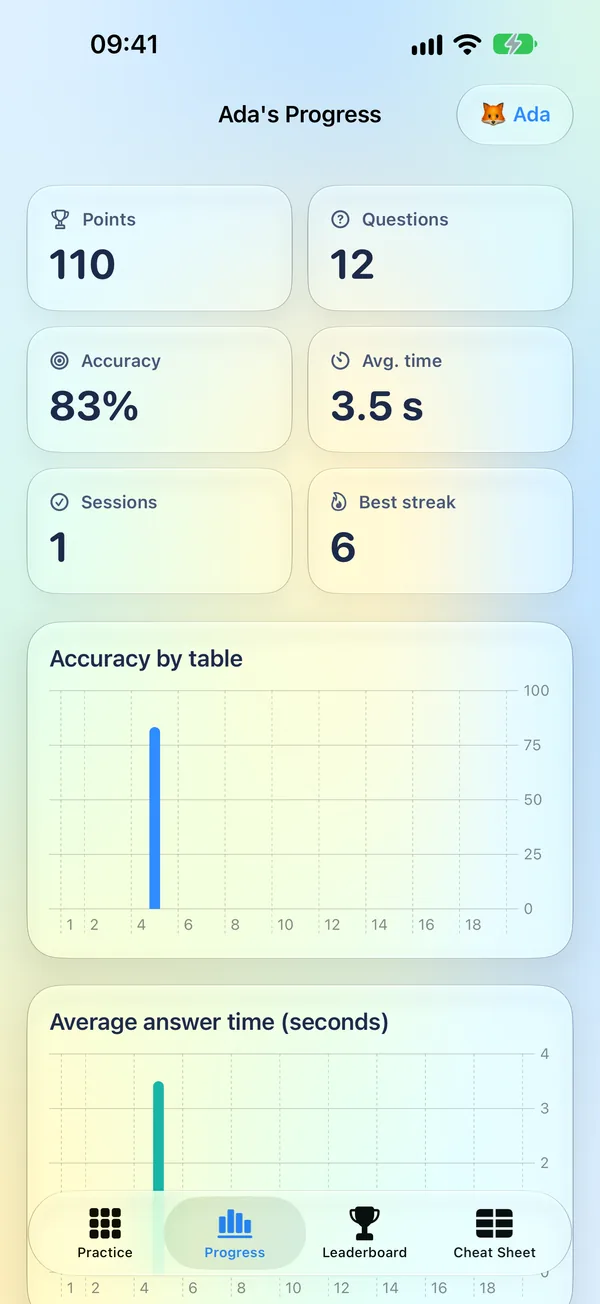
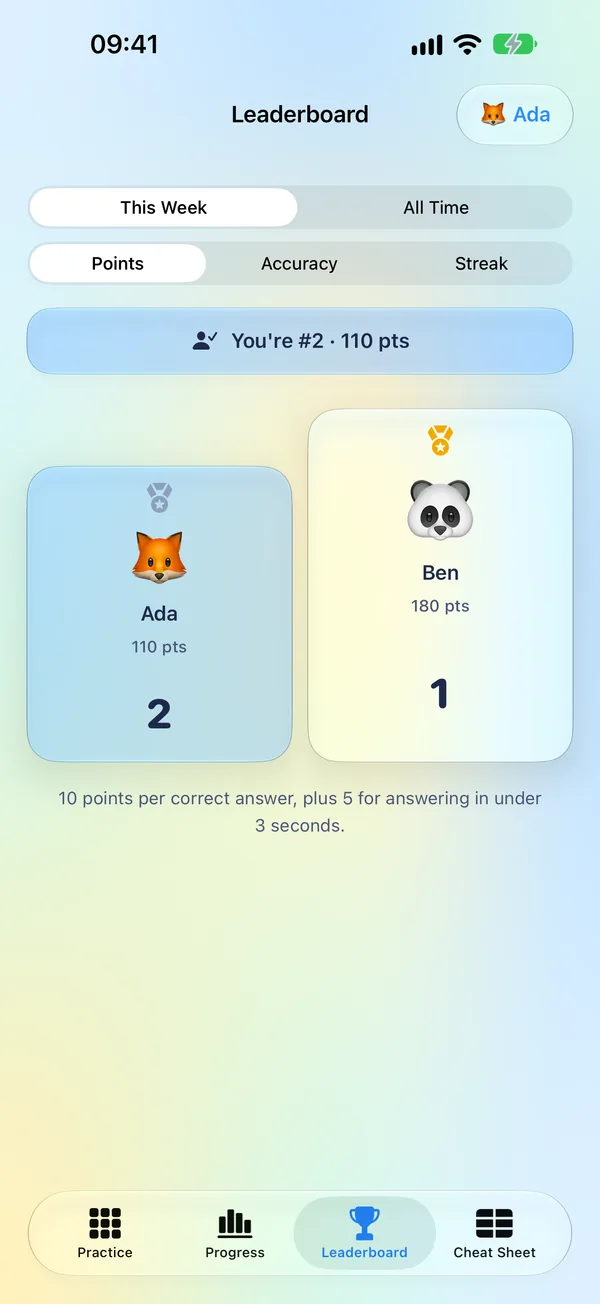
Liquid-glass design on Apple devices and a native Material 3 app on Android, each adapting to its screen. Tap any screenshot to enlarge it.
Quick sessions in your pocket, with a tab bar for Practice, Progress, Leaderboard and Cheat Sheet.
A sidebar and a roomier grid – perfect for practising at the kitchen table.
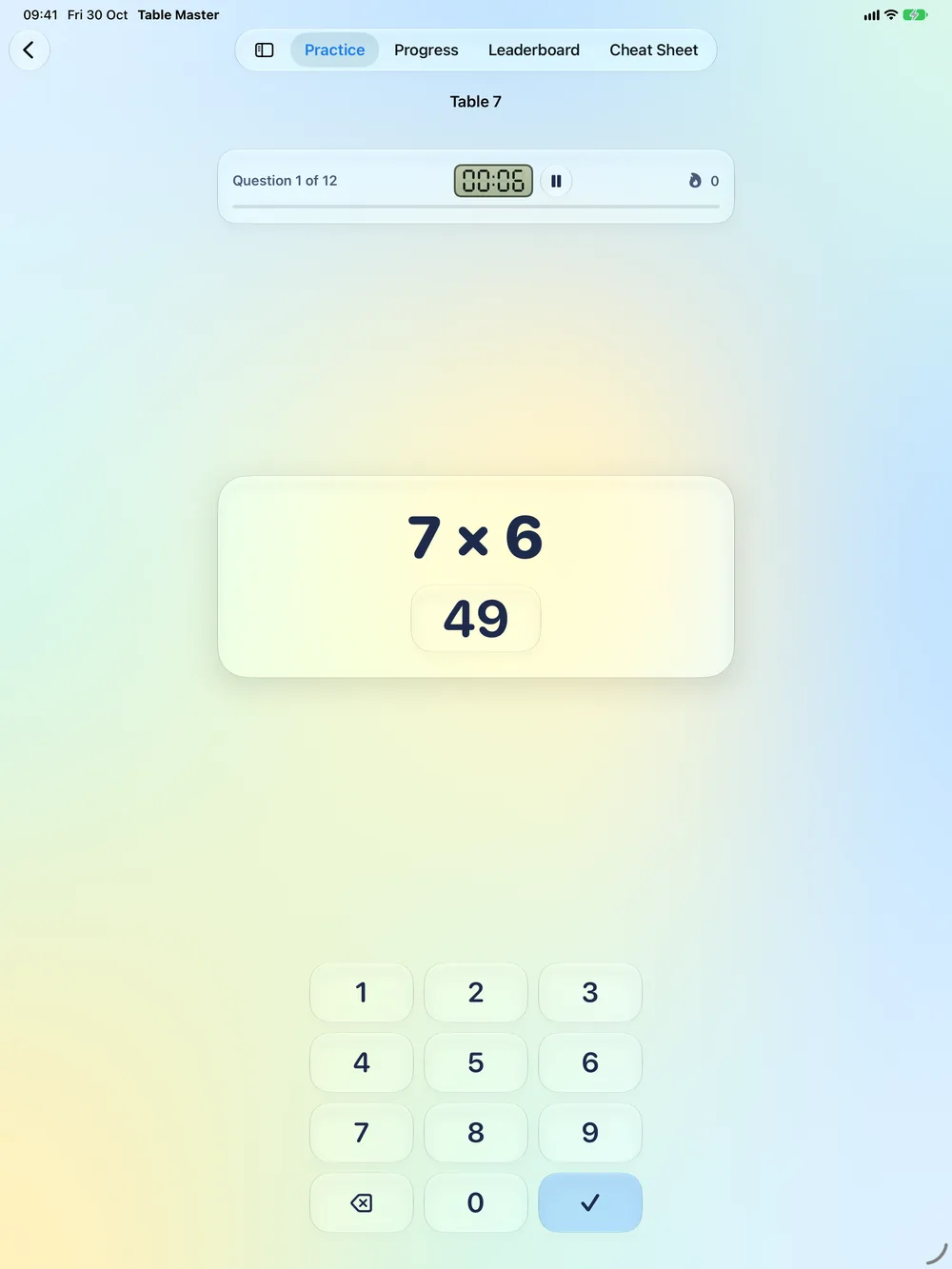
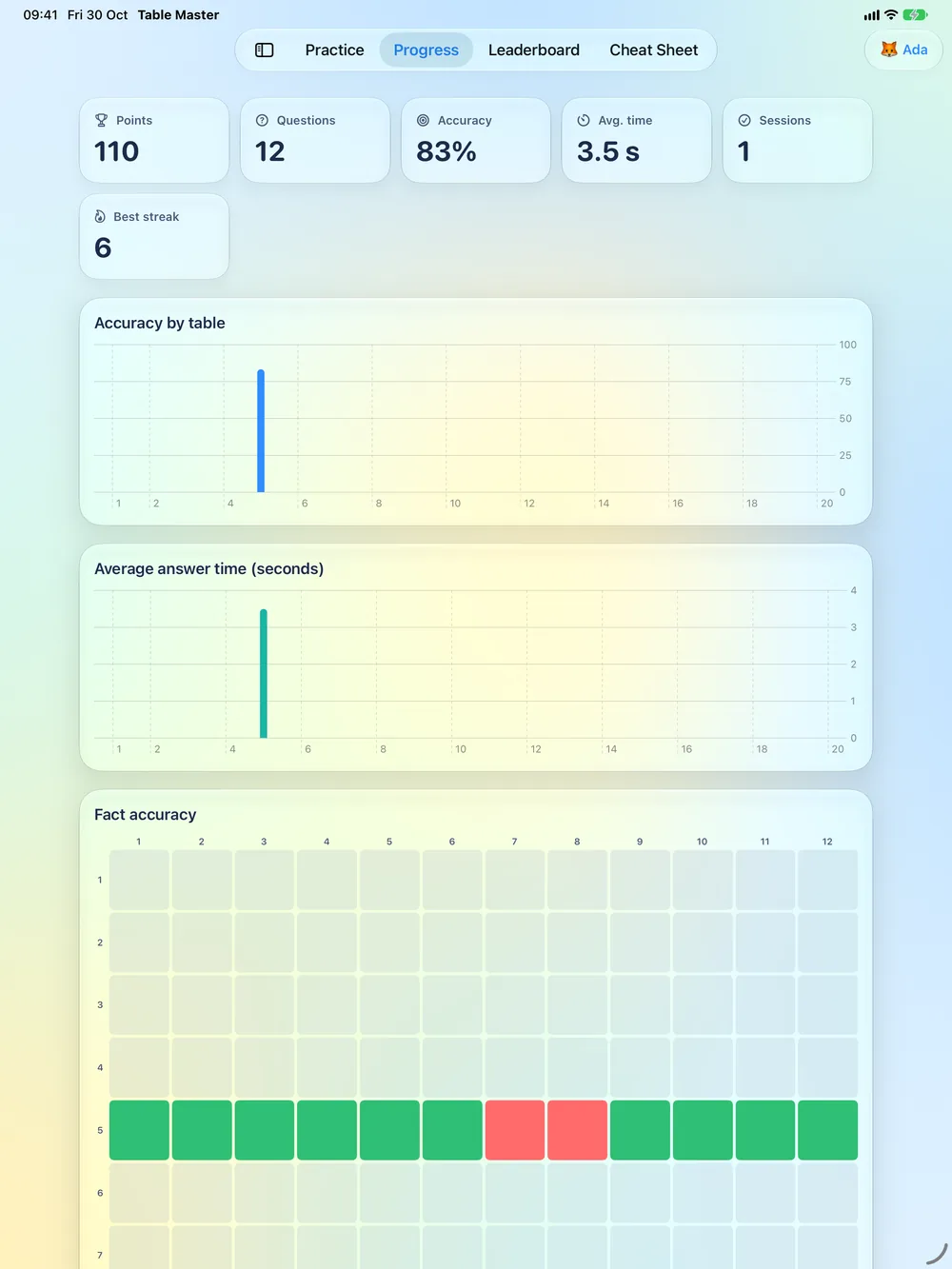
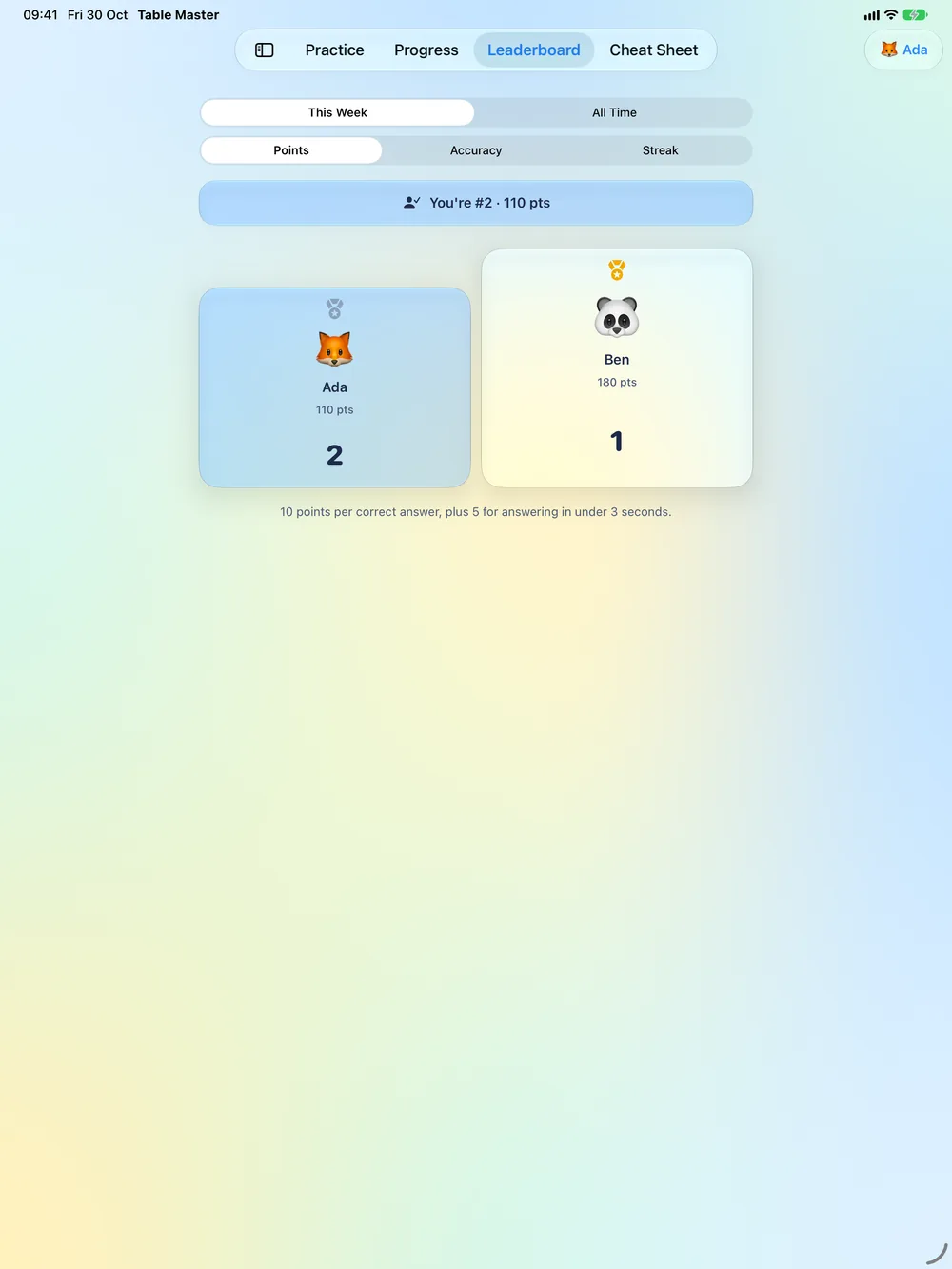
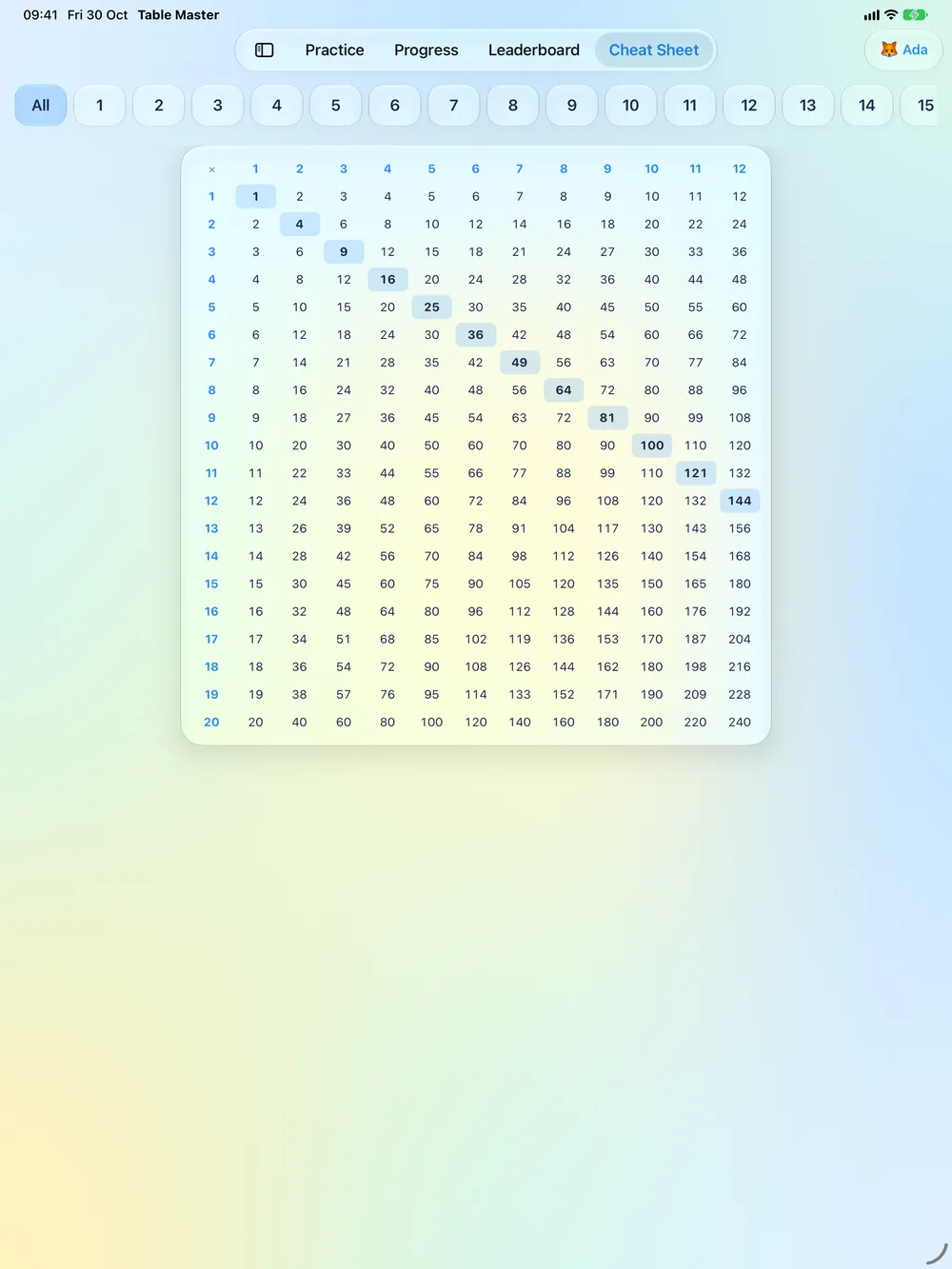
Table Master adapts to the iPhone Duo in both orientations.
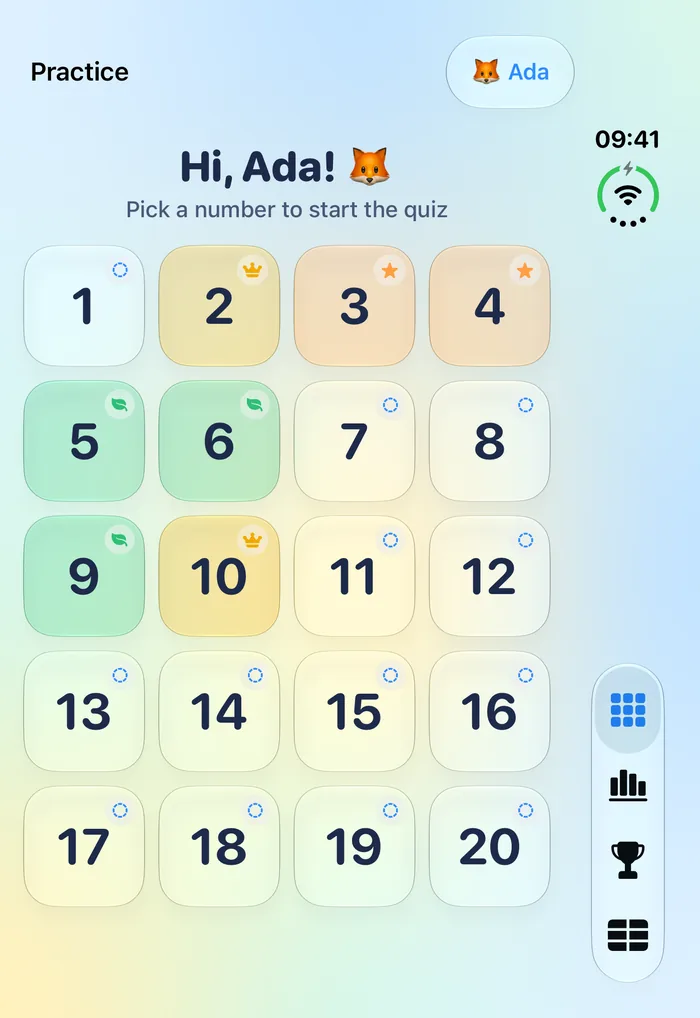
A native Android app built with Material 3: bottom navigation, system back and your device’s light or dark theme.
No ads, no accounts and no tracking.
Nothing is sponsored or promoted, and nothing interrupts a quiz.
No analytics and no third-party software collecting data about your child.
Only a grown-up can add or remove players, protected by Face ID, Touch ID or passcode on Apple devices, or fingerprint, face or screen lock on Android.
Read the full Privacy Policy.
The complete list, for iPhone, iPad, iPhone Duo and Android.
Tables 1 to 20. Each table is a tile on the Practice screen, and every table tracks its own mastery level.
Every table starts at Novice and moves through Apprentice and Expert to Master as accuracy and speed improve over several quizzes.
Yes. Add a player for each child. Each has their own avatar, optional PIN and progress, and a family leaderboard compares them.
The Progress tab shows each player’s accuracy, time and streaks. Adding players and managing the family needs a parent unlock with Face ID, Touch ID or the device passcode.
Pricing will be shown on the App Store listing before you download. There are no ads in the app.
iPhone and iPad with iOS 18 or later, Mac with macOS 15 or later, and Android phones with Android 8 or later.
Not yet. iPhone, iPad and Mac sync through your private iCloud. On Android, progress is stored on the device and is restored with your normal Android backup when you move to a new phone.
Table Master is coming to the App Store for iPhone, iPad and Mac, and to Google Play for Android.